Ordering equipment
Our web site lists all products that we currently have available to order. This is available from the main menu under the Shop link.
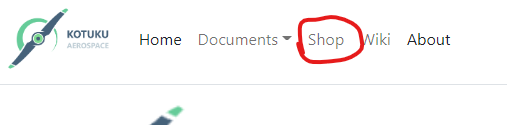
The catalog is dynamic, and lists the product details and current price. All prices are in US Dollars. Depending on your local currency and time of payment the actual amount you need to pay will show when the shipping invoice is raised.
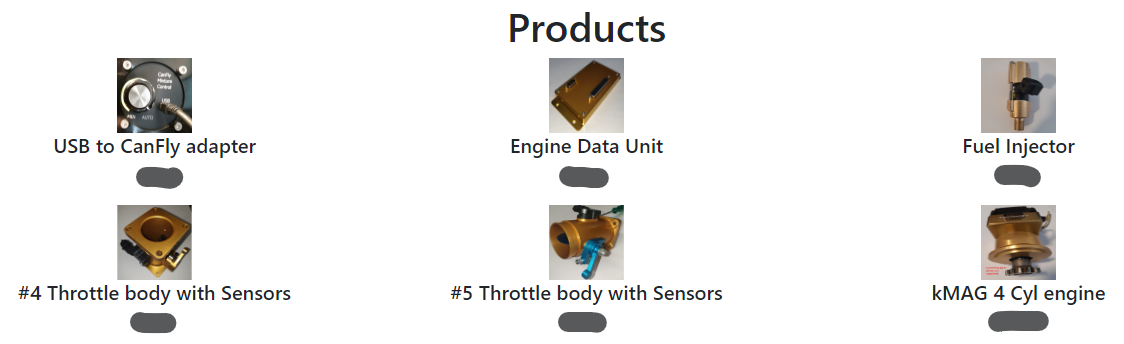
The prices are removed as they are dynamic and will depend on the prices when you visit the page. By clicking on the image, the system will add the selected product to your cart.
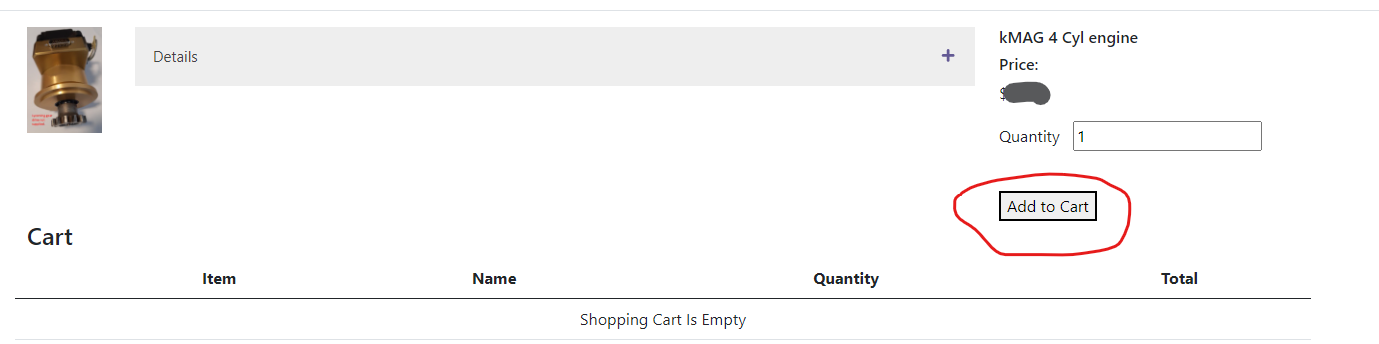
The Add To Cart button will place the product into your cart. Select the quatity required as well. Once you have a product in your cart, the cart menu item will be available.
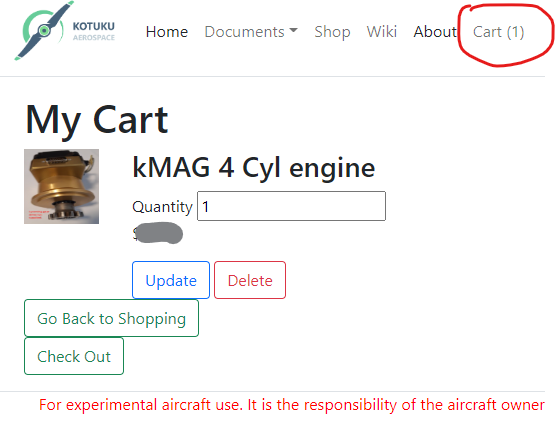
The cart also allows you to:
- Change the quantity
- Remove the item
- Continue shopping
- Checkout and place an order
Placing an order
Selecting the CheckOut button within the cart will take you to the order confirmation screen. Note that if you have not yet registered or logged into the My CanFly® portal then you will be redirected to the Login/Register screen. After you are logged in the system will return you to the checkout screen.
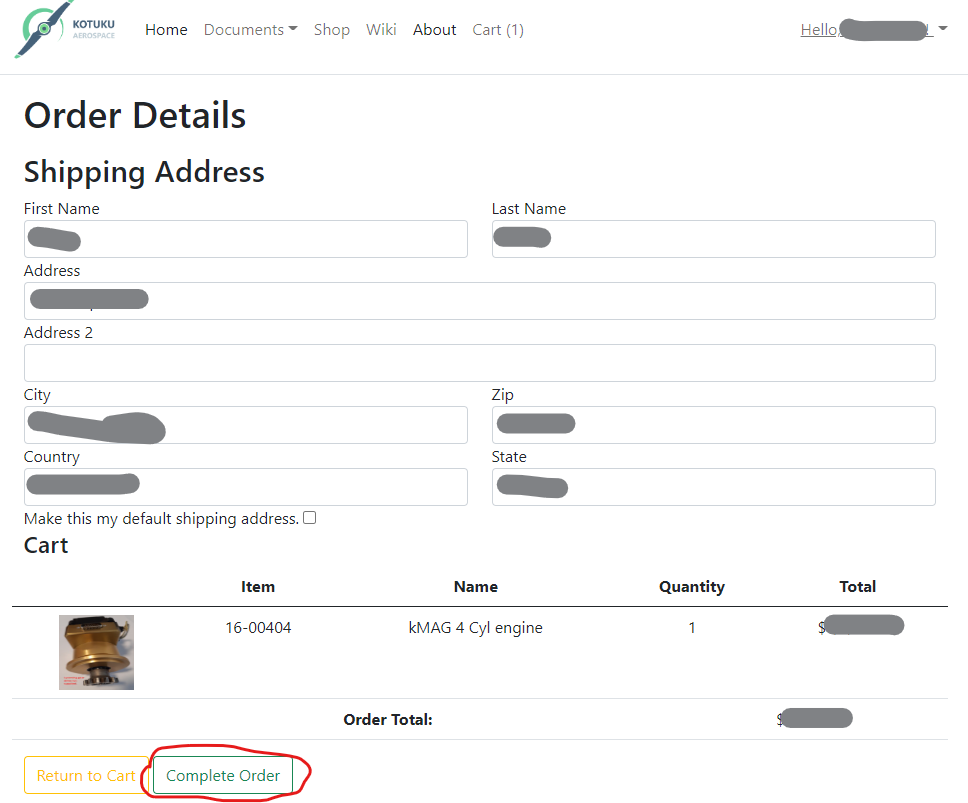
At this point you can select Complete Order to complete the order process, or you can return to the shopping cart to change the order requirements.
Once the order is processed a confirmation recipt that also has the order details. You will also receive a confirmation email with details of the order.
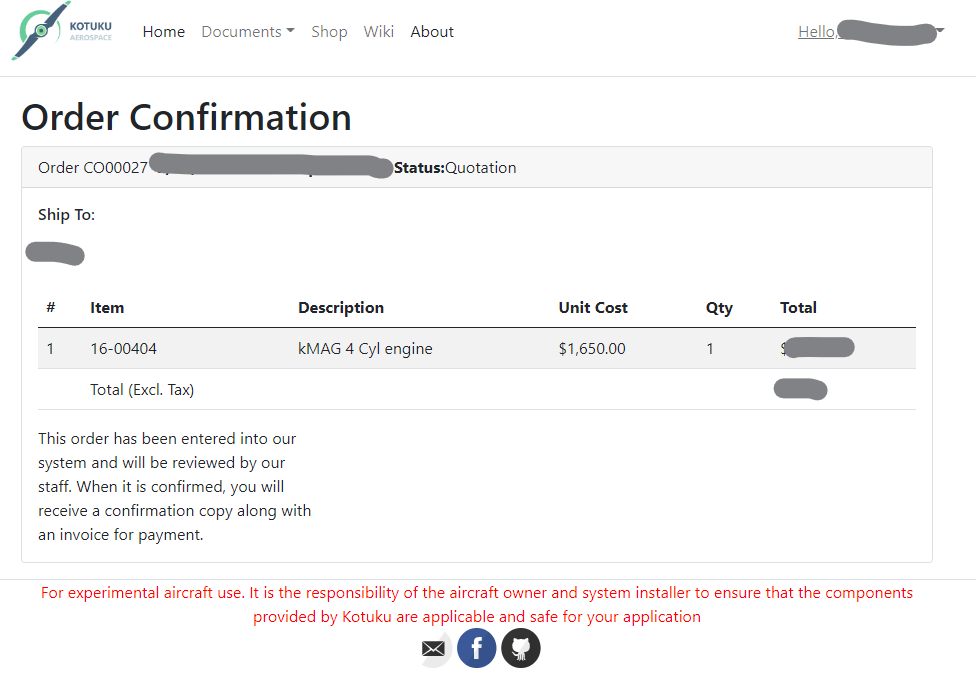
At this point the order will be reviewed by our sales team, this can take up to 2 business days and may require clarification of your requirements and recommendations as to other items that could be added to your project.
The team will also check our systems and see what the delivery schedule is likely to be. We try to hold most things in stock but in some cases the order may need to be scheduled. If you have any queries send an email to sales@kotuku.aero quoting the order number.
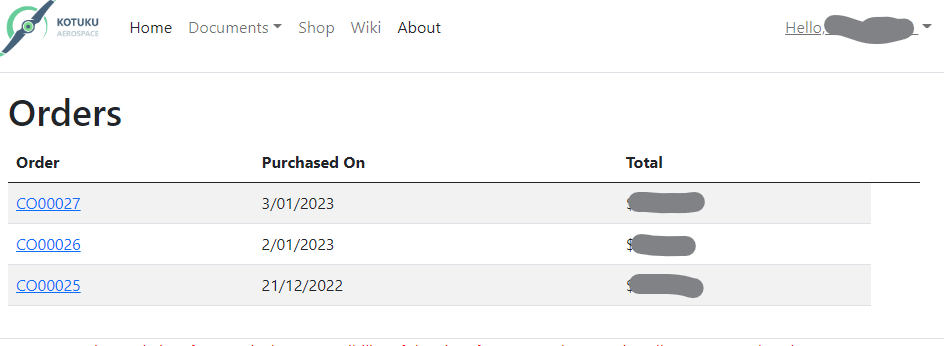
Any orders you have entered are available in the My Orders section of your profile:
Shipping and Invoicing
As part of the order review process we will recommend a shipping provider, or use yours if you have one. Once the delivery date is confirmed we will in some cases request a deposit from you. This will be done with a pre-payment invoice being created and a request will be made for payment.
You can pay the invoice at any time and we support a number of payment methods.
- Credit card
- PayPal
- G-Pay
Once the goods are ready for shipment we will raise a final invoice if a pre-payment has been made or a full invoice.
Any invoices raised can be accessed on the My Invoices section of your profile:

You will also receive the invoices via Email to your account email address.
If you have any questions please contact accounts@kotuku.aero
Thank you for supporting the CanFly® Project.